


Joyeauto
Wireless Apple CarPlay Interface for Cadillac XTS / ATS / SRX / CTS / XT5 (2014-2017) – Android Auto AirPlay Retrofit(WJGM-1)
Wireless Apple CarPlay Interface for Cadillac XTS / ATS / SRX / CTS / XT5 (2014-2017) – Android Auto AirPlay Retrofit(WJGM-1)
Regular price
$419.00
Regular price
$489.00
Sale price
$419.00
Taxes included.
Shipping calculated at checkout.
Quantity
Couldn't load pickup availability
Wireless Apple CarPlay for Cadillac XTS / ATS / SRX / CTS / XT5 (2014–2017)
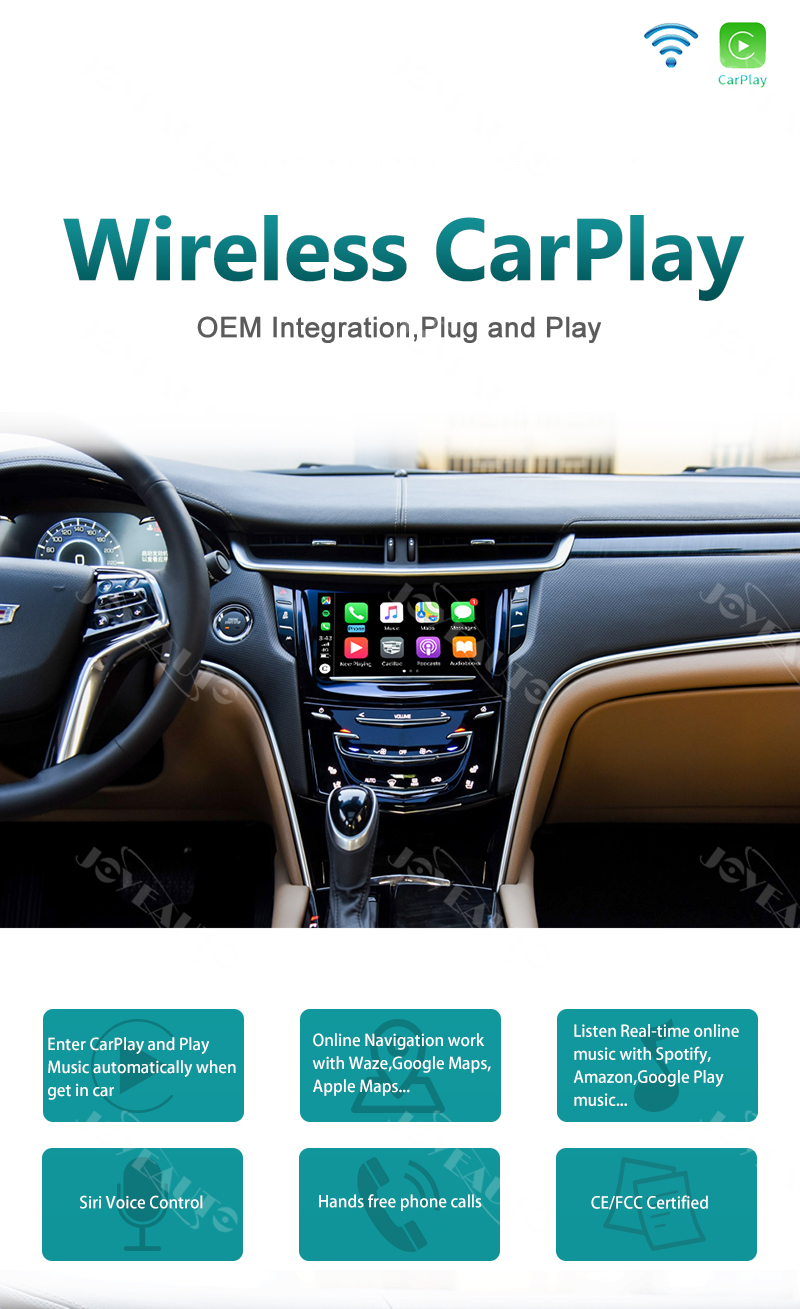
Upgrade your 2014–2017 Cadillac with full wireless Apple CarPlay, Android Auto, and AirPlay — no original parts replacement needed, seamlessly integrated with your factory system. Enjoy navigation, music, and hands-free calling through your Cadillac's factory display.
Key Features
- No Original Parts Replacement – Works alongside your existing factory system, no modifications needed
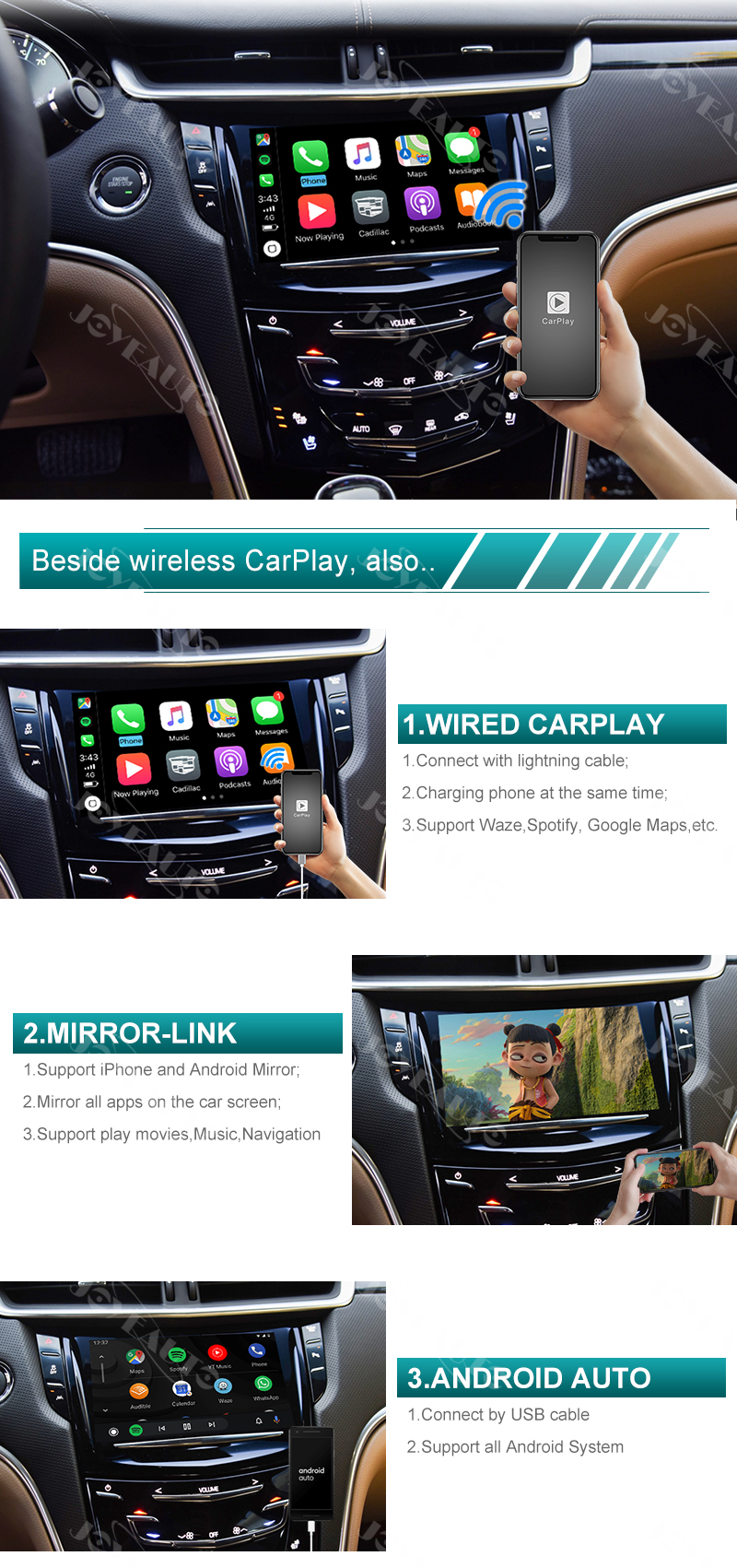
- Wireless Apple CarPlay – Fully wireless connection for a cable-free experience
- Wired Apple CarPlay – Connect via Lightning cable (also keeps your phone charged simultaneously)
- Android Auto – Optional Android Auto support
- Android Mirror Link – Wireless screen mirroring for Android phones
- Steering Wheel & OEM Button Control – Operate via your existing factory steering wheel controls and buttons
- Siri Voice Control – Hands-free calling, messaging, and navigation
- GPS Navigation – Google Maps, Waze, and Apple Maps with live traffic updates
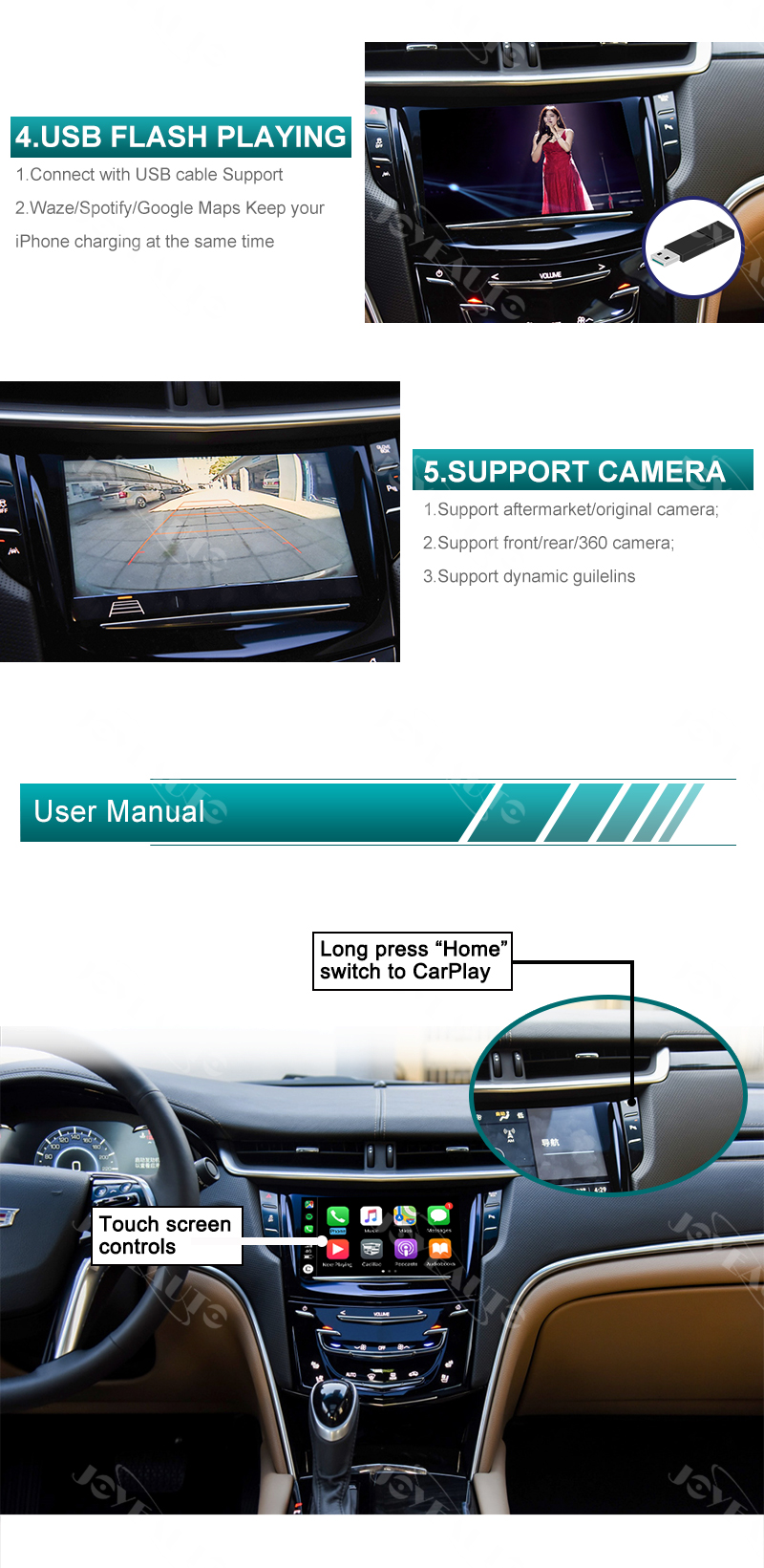
- Camera Input Support – Rear view and front camera compatible with dynamic parking guidelines
- Music Streaming – Spotify, Apple Music, and more via your Cadillac factory stereo (AUX output)
- USB Flash Drive Playback – Included USB port supports HD music and video files
- OEM Plug-and-Play – No permanent modifications required
- 1-Year Warranty + Lifetime Email Support
Compatibility
- 2014–2017 Cadillac XTS
- 2014–2017 Cadillac ATS
- 2014–2017 Cadillac SRX
- 2014–2017 Cadillac CTS
- 2014–2017 Cadillac XT5
What's in the Box
- Joyeauto Wireless CarPlay Interface Kit
- Installation Diagram
- 1-Year Warranty
Step-by-Step Installation Video: 


